
Make your webcam better
Keep the camera you have. KISSIK fixes what it can't.
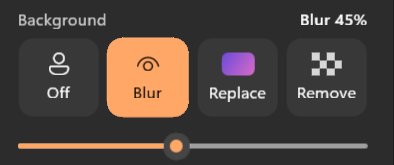
- Blur, replace or remove the background on your own GPU
- Your screen as a soft ring light, 2200–9000 K
- Auto-framing that follows you
Use your webcam, or turn your phone into a better one. KISSIK adds the background, framing, light and scenes, in every app on Windows 11.
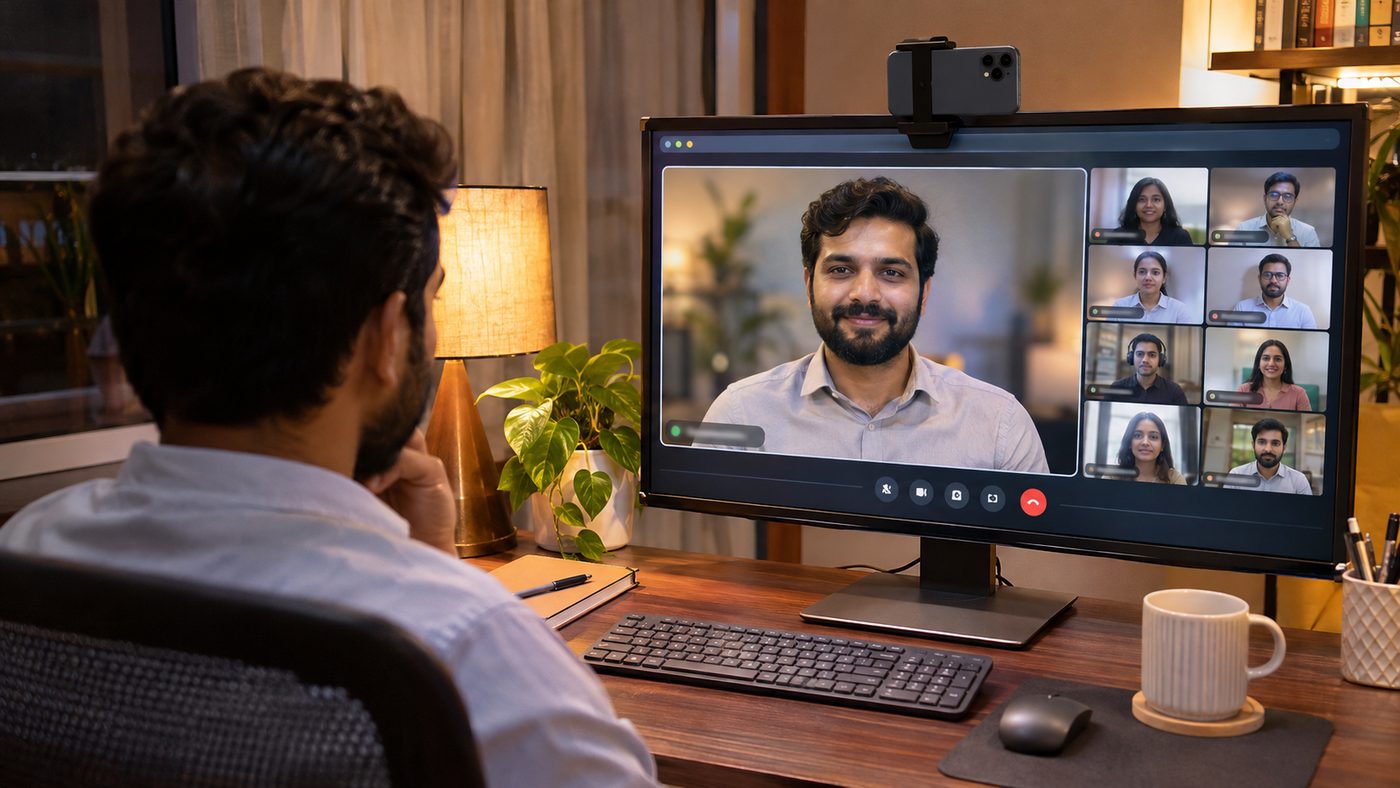
No account · No watermark · Open sourceClip your phone on the monitor or stand it on a small tripod. KISSIK on your Windows PC adds the background, light, framing and your name, then hands the picture to whatever app you call from.
 13
 13
KISSIK Camera on Android sends its picture over Wi-Fi or USB.
Background, light, framing and name card, worked out on your own graphics card.
Pick "KISSIK" as the camera in Zoom, Teams, Meet or any app.
Keep the camera you have. KISSIK fixes what it can't.
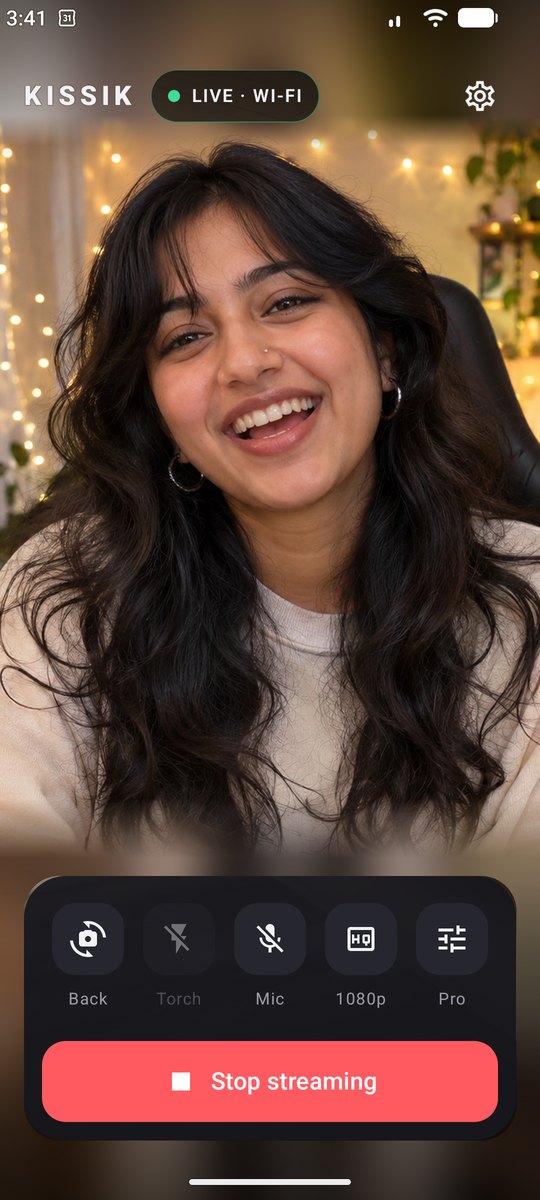
Your phone's camera is far better than a laptop's. Pair it in seconds.
Either way, KISSIK shows up as one camera in every app: meetings, streaming and browsers.
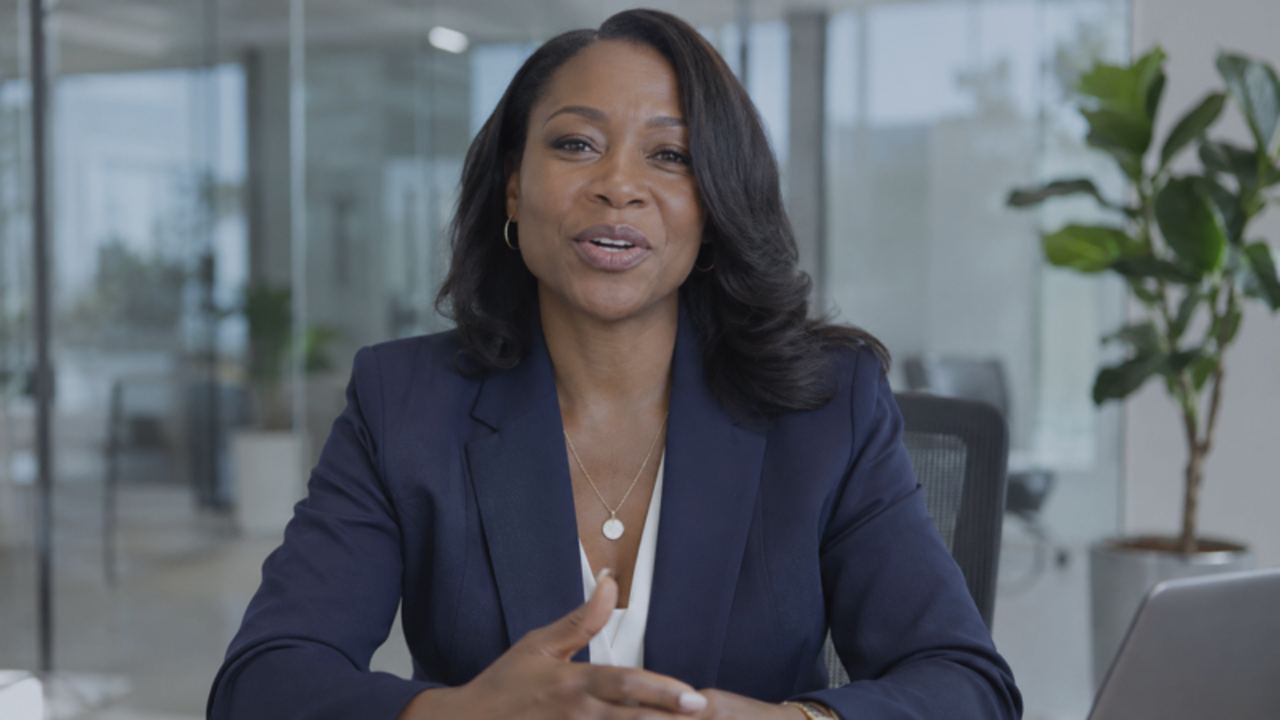
On the left, a plain laptop webcam. On the right, a phone through KISSIK with screen light, a softer background and a name plate.

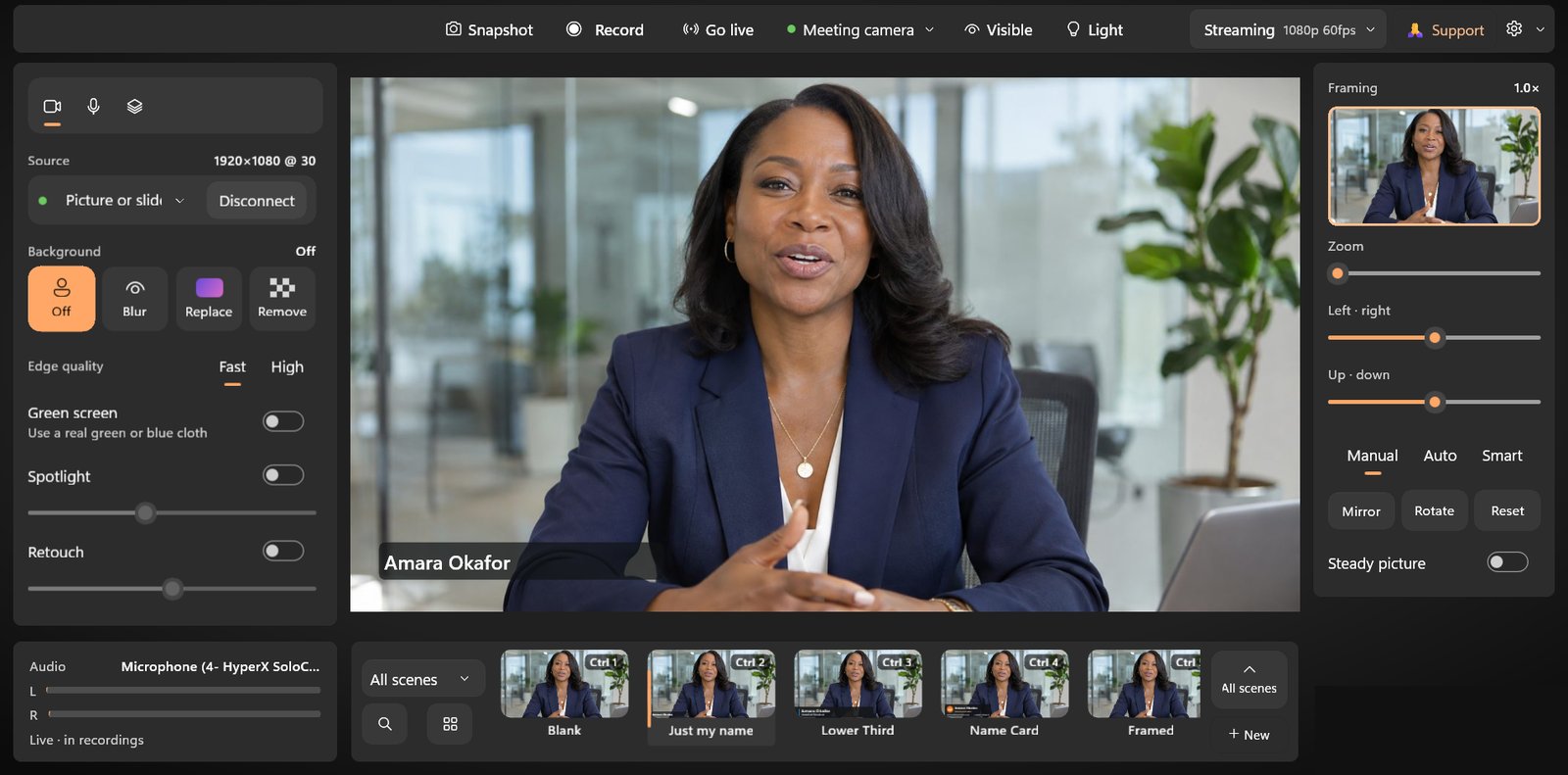
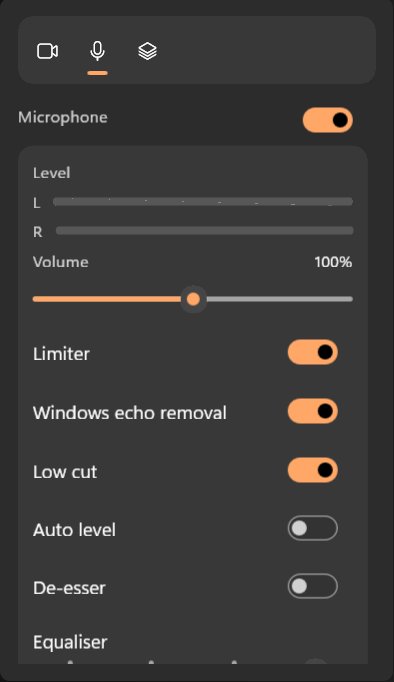
Studio view puts camera, sound and layers on the left, framing on the right and scenes along the bottom. Simple view is just you and five big buttons. Switch any time from the menu.
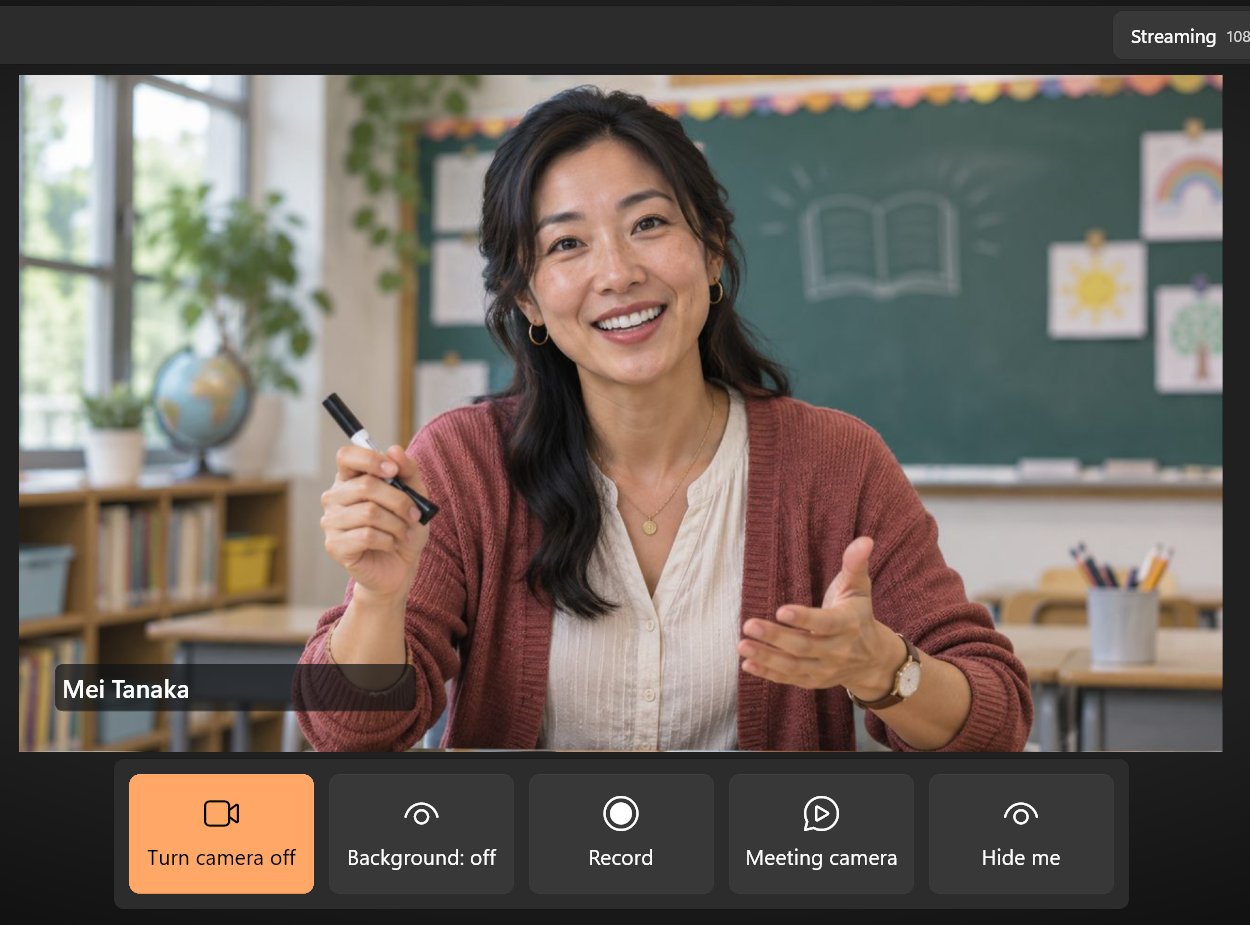
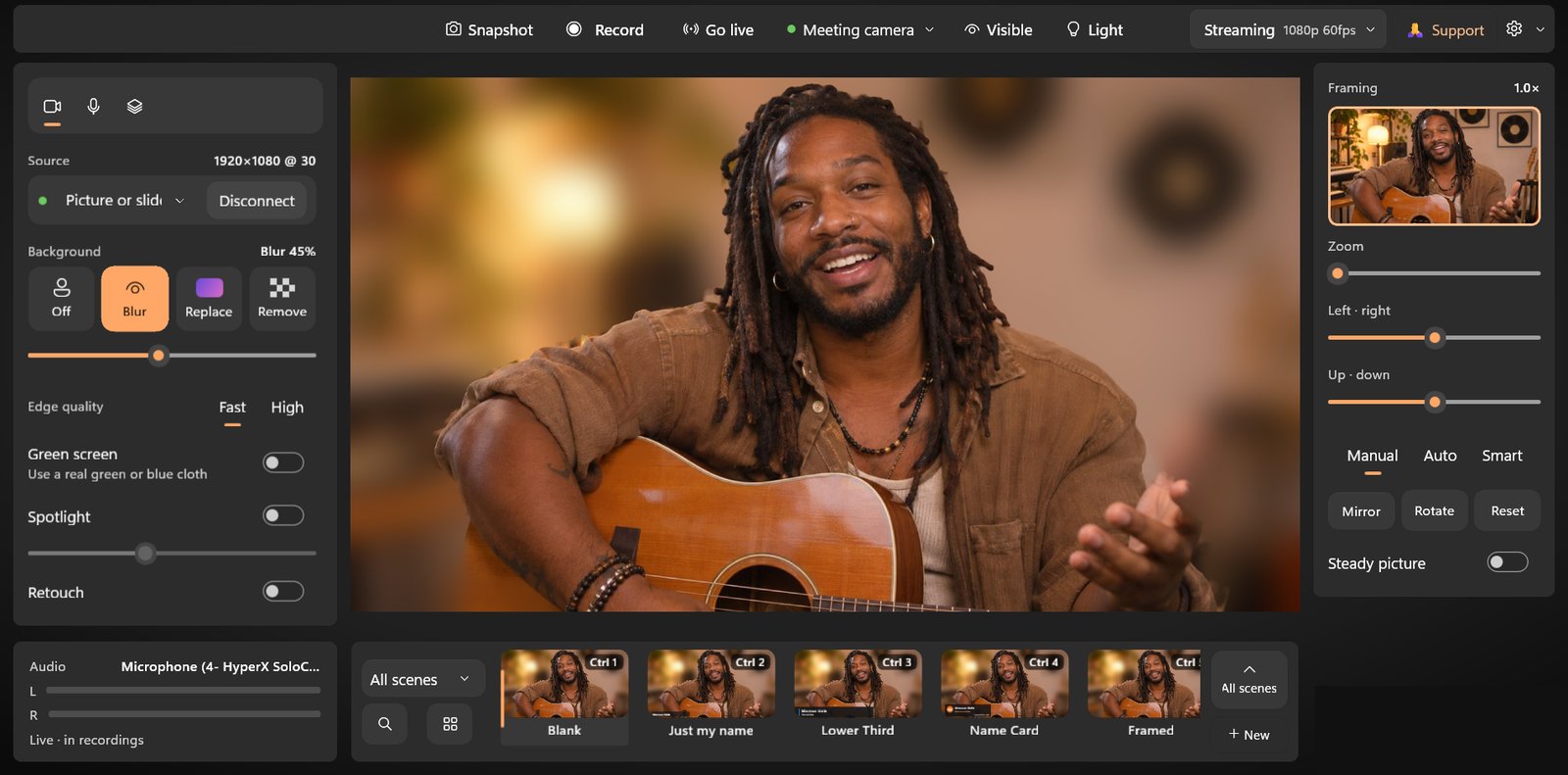
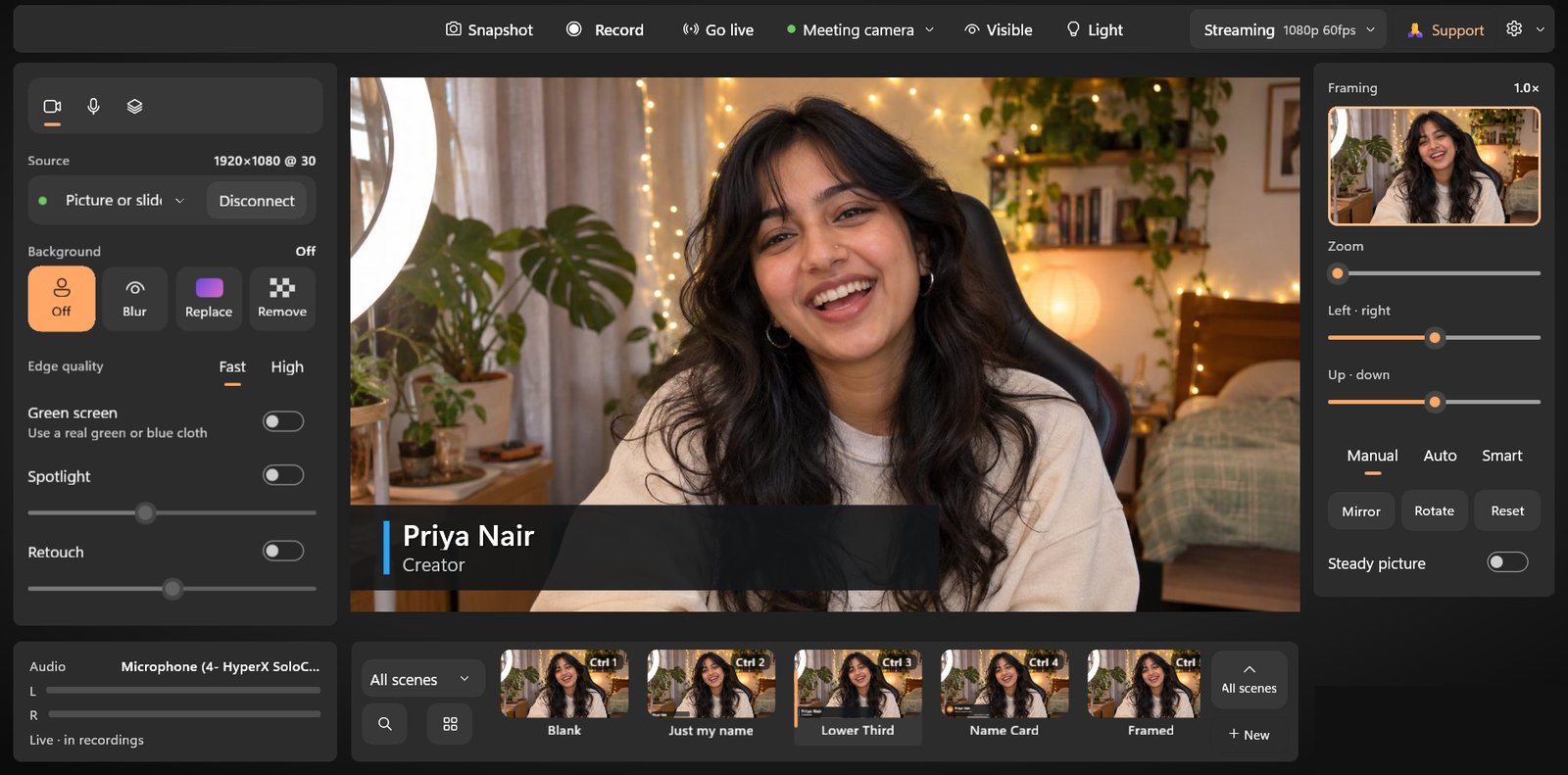
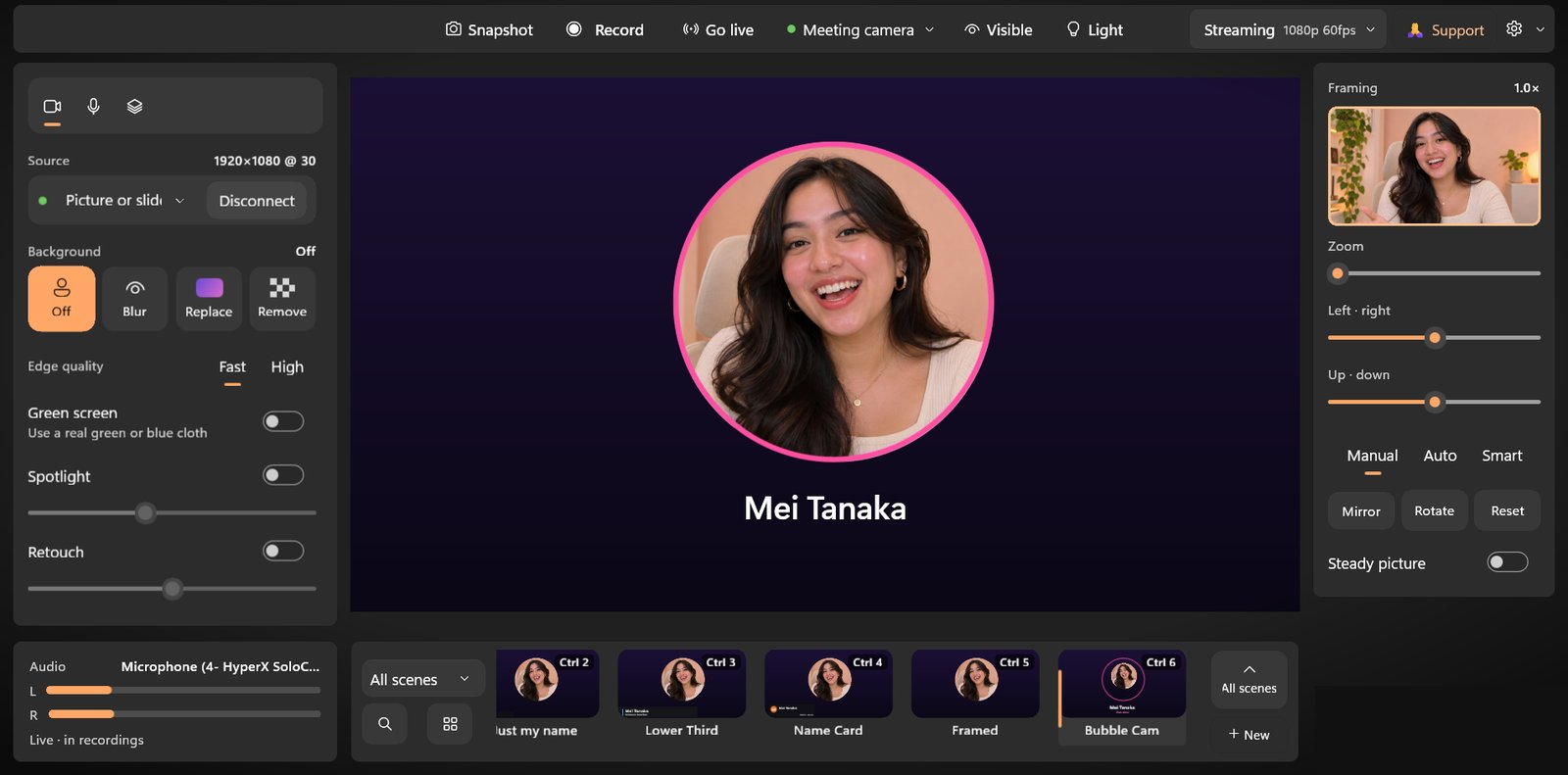
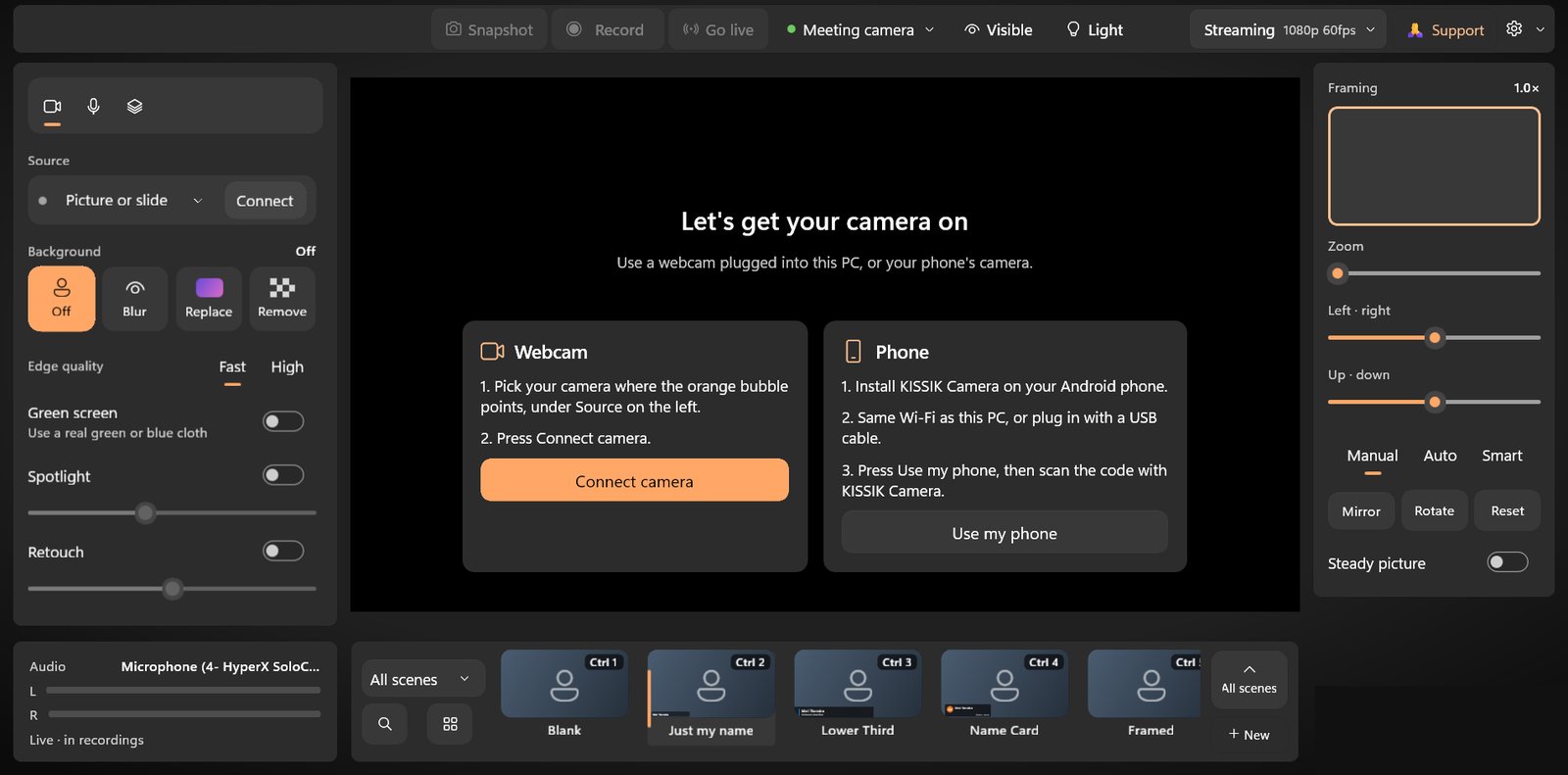
Install KISSIK Camera on your Android phone, scan the code on your PC, and you're live over Wi-Fi or USB.
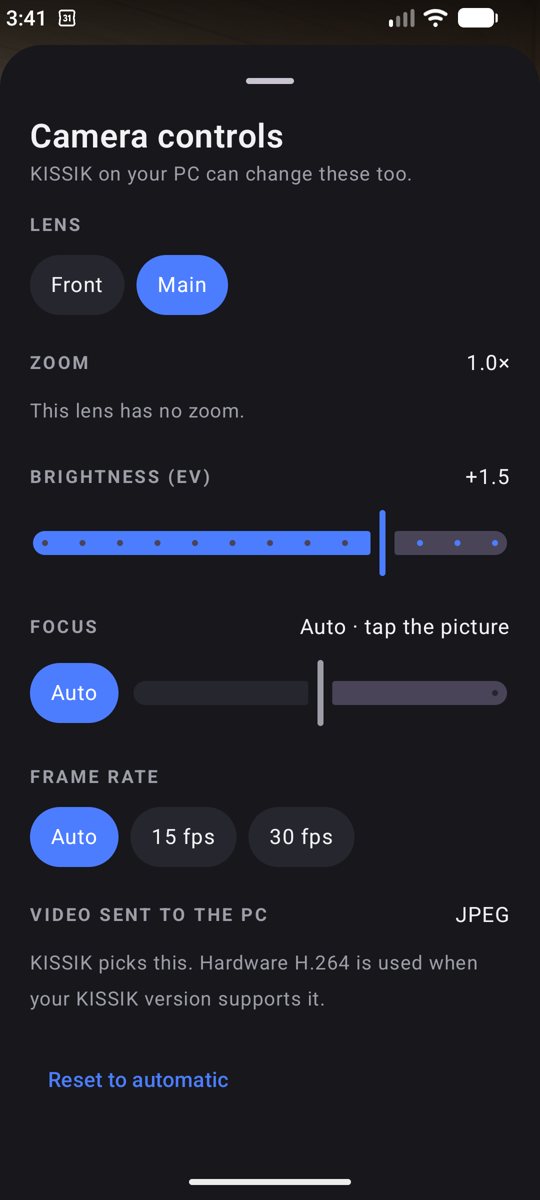
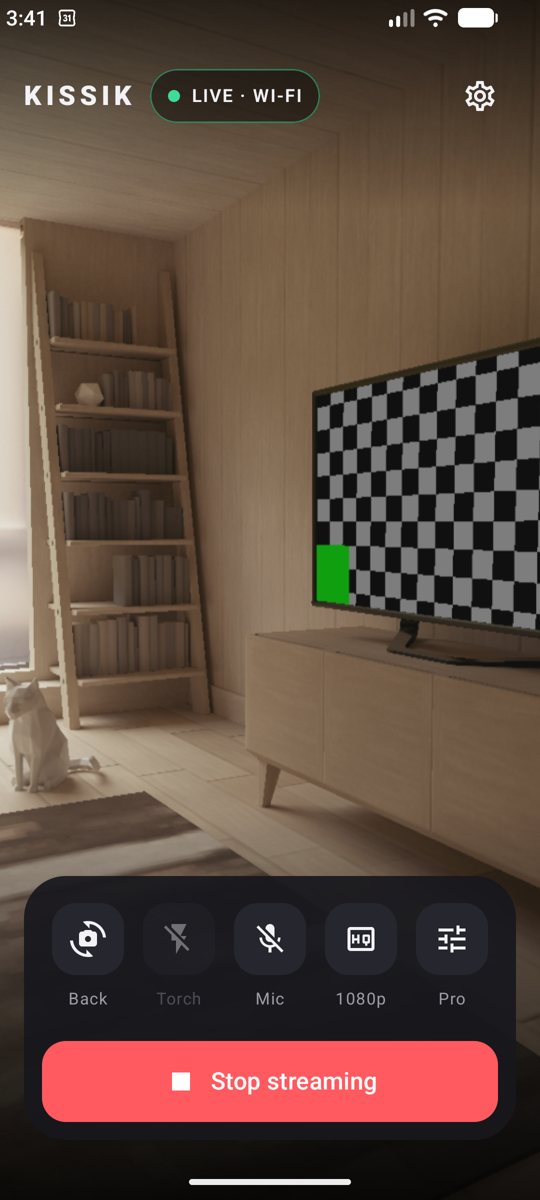
Pair in seconds: scan the code, and your phone is the camera.
If Windows sees it as a camera, KISSIK can use it. Switch between them in one click.
Over 40 tools in one app, worked out on your own graphics card.
These are built and being tested now. They arrive in the next free update on the Microsoft Store.
Most camera apps lock 4K, scenes or the phone camera behind a subscription. KISSIK doesn't.
| KISSIK | Typical camera apps | |
|---|---|---|
| Price | Free, every feature | Monthly subscription for the good parts |
| Watermark | Never | Often, until you pay |
| Account | None | Usually required |
| 4K and 60 fps | Free | Paid tier |
| Webcam and phone | Both, in one app | Often phone only, or webcam only |
| Scenes | 100 built in, with your name, pronouns and logo | A few, or sold as packs |
| Background, framing, light, sound | All in one window | Spread over several apps |
| Your video | Stays on your PC | May be sent to the cloud |
| Source code | Open source | Closed |
Nothing is held back to make you pay. No trial, no tiers, no catch. KISSIK is open source.
In your meeting, streaming or browser app, choose "KISSIK" in the camera list. It shows up by that name in Zoom, Teams and Meet.
Open the KISSIK phone app and scan the QR code on your PC.
Yes. Every feature is free, including 4K, the phone camera and all 100 scenes, on as many PCs as you like.
No. KISSIK works with any webcam. The phone is an option when you want a better camera.
No. Everything runs on your own computer, and there's no account.
KISSIK appears as a camera named "KISSIK" in meeting apps like Zoom, Teams and Meet, in streaming apps and in browsers.
KISSIK is live on the Microsoft Store.
Yes. Ctrl+1 to Ctrl+9 switch scenes, and Ctrl+Alt+K brings KISSIK to the front from anywhere.
The Android app is ready now. macOS, Linux and iPhone are planned.
KISSIK has no ads, no paid tier and no investors. Your donation pays for development, starting with the iPhone app so your iPhone can be your webcam too.
krigrv@upiCompanies: want KISSIK for your team, a custom build, a sponsorship, or to talk about buying the project? Get in touch.


Free for Windows 11. No account. No watermark. Open source on GitHub.
Get KISSIK for Windows Star on GitHub Get the Android appAvailable now on the Microsoft Store · Privacy